
Payday
For most households, the month starts on payday, not on the 1st. If salary lands on the 25th, the money spent from the 26th to the 24th of next month is one “month”. NotoArta follows that.
Setting the month start
Section titled “Setting the month start”- Open Settings.
- Tap Shared month start.
- Pick the day. To follow the normal calendar, pick Day 1.
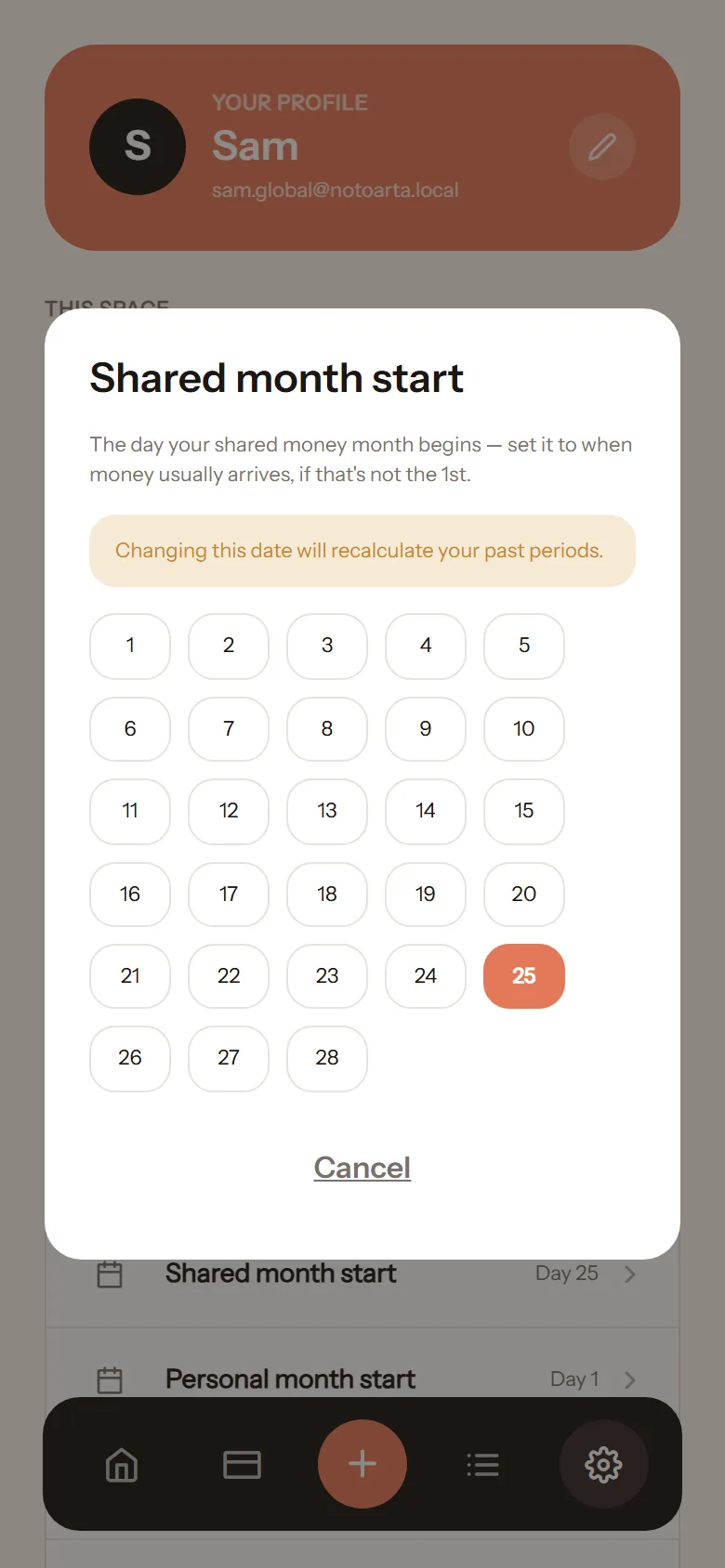
This applies to everything shared in the space: shared budgets, insights, the monthly summary.
Personal month start
Section titled “Personal month start”If your payday differs from your partner’s, set your own Personal month start. It is used for your personal budgets. Your partner has their own personal setting.