
Scan a receipt
Just back from shopping with a long receipt? Take a photo. NotoArta reads the amount and the details, then fills in the transaction form for you. You check it for a moment, then save.
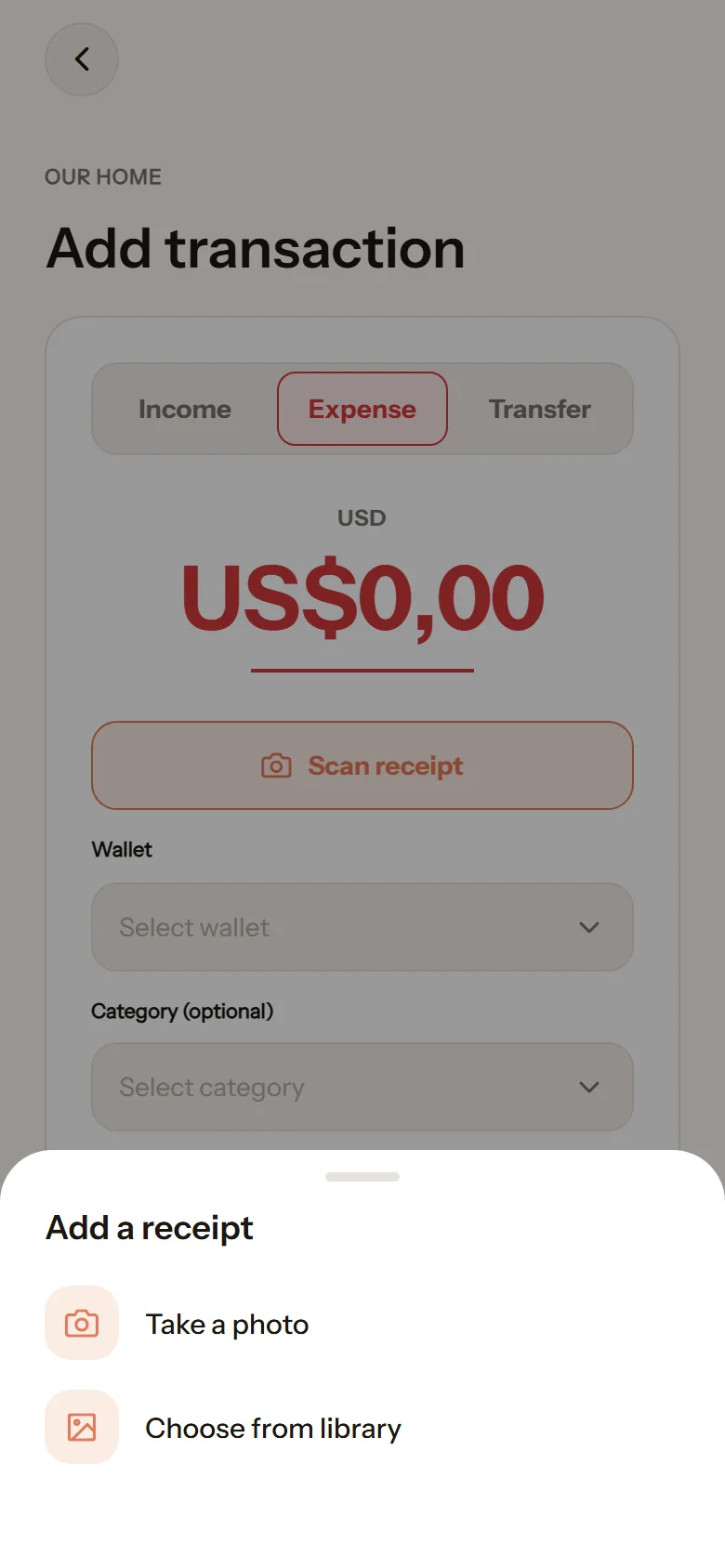
- On the add-transaction screen, tap Scan receipt.
- Choose Take a photo or Choose from library.
- Wait a moment while it says Reading receipt.
- The form fills in. Check the amount and category, adjust if needed.
- Tap Save expense.
If the receipt cannot be read, the form can still be filled in by hand as usual.
Scan allowance
Section titled “Scan allowance”The free plan includes 10 scans per person each month. What is left shows in Settings, and again after each scan. Failed scans do not count. The paid plan includes 100 scans per person each month.
Is the photo kept?
Section titled “Is the photo kept?”The photo is processed to read its contents. What is stored as a record is the result you approve, not the image. See Privacy.