
Sign in without a password
NotoArta deliberately has no passwords. Each time you sign in, you get a one-time code by email. Nothing to forget, and nothing that can leak.
- Open app.notoarta.com.
- If this is your first time, you can read the three-step introduction, or tap Skip introduction.
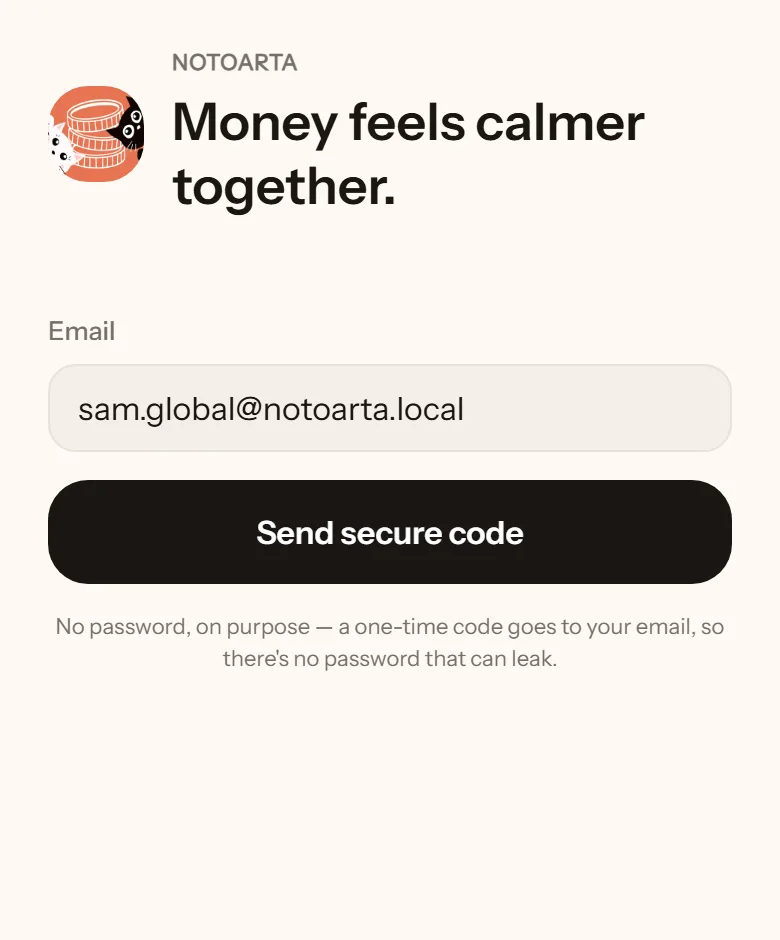
- Type your email, then tap Send secure code.
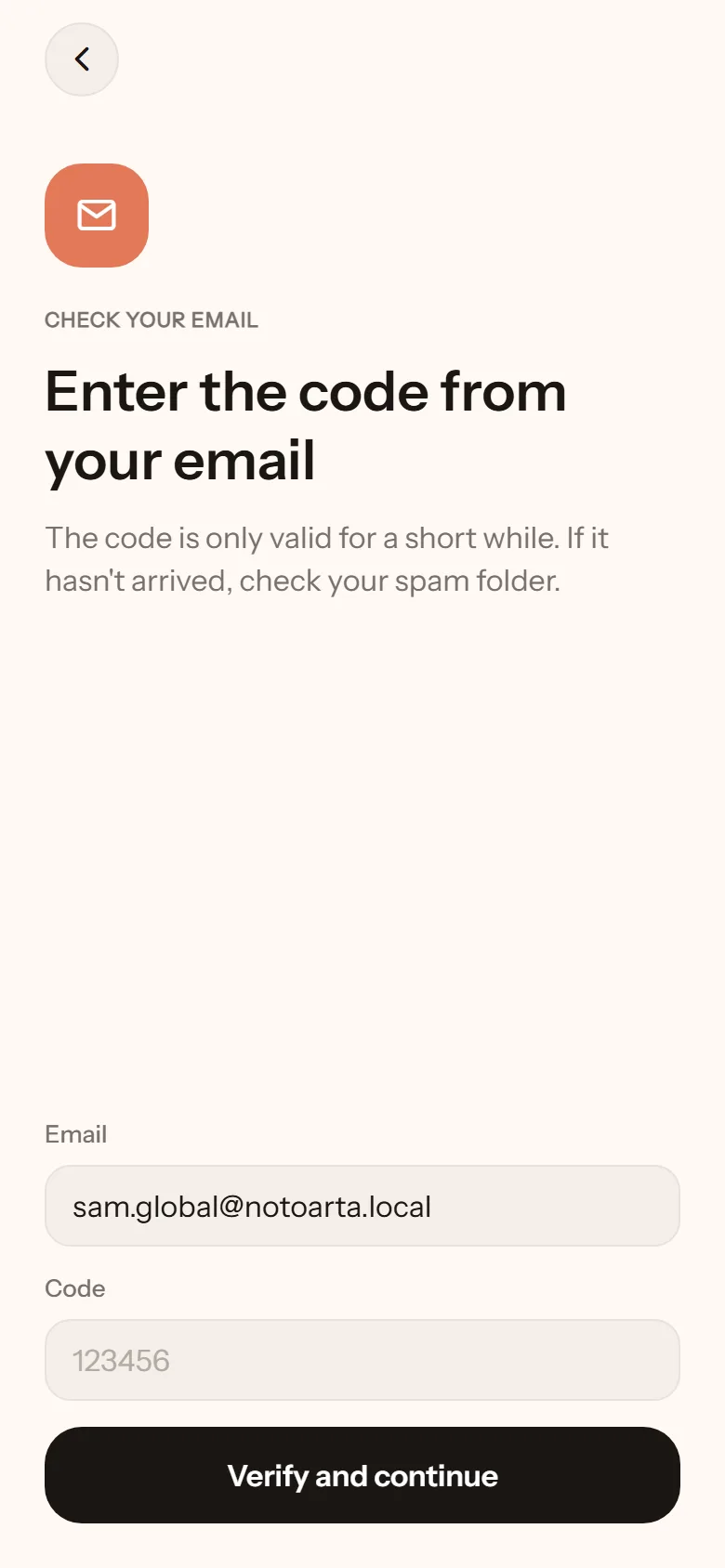
- Open the email from NotoArta. It contains a six-digit code. For now, this email is written in Bahasa Indonesia. The code is the only part you need.
- Enter the code and tap Verify and continue.
If you opened the app from your partner’s invite link, you go straight back to the invite after signing in.
Which email?
Section titled “Which email?”The email you sign in with is your identity in NotoArta. If your partner invites you, the invite is sent to a specific email, and you have to sign in with that same email. If it does not match, there is a Sign in with another email button on the invite page.