
Move money
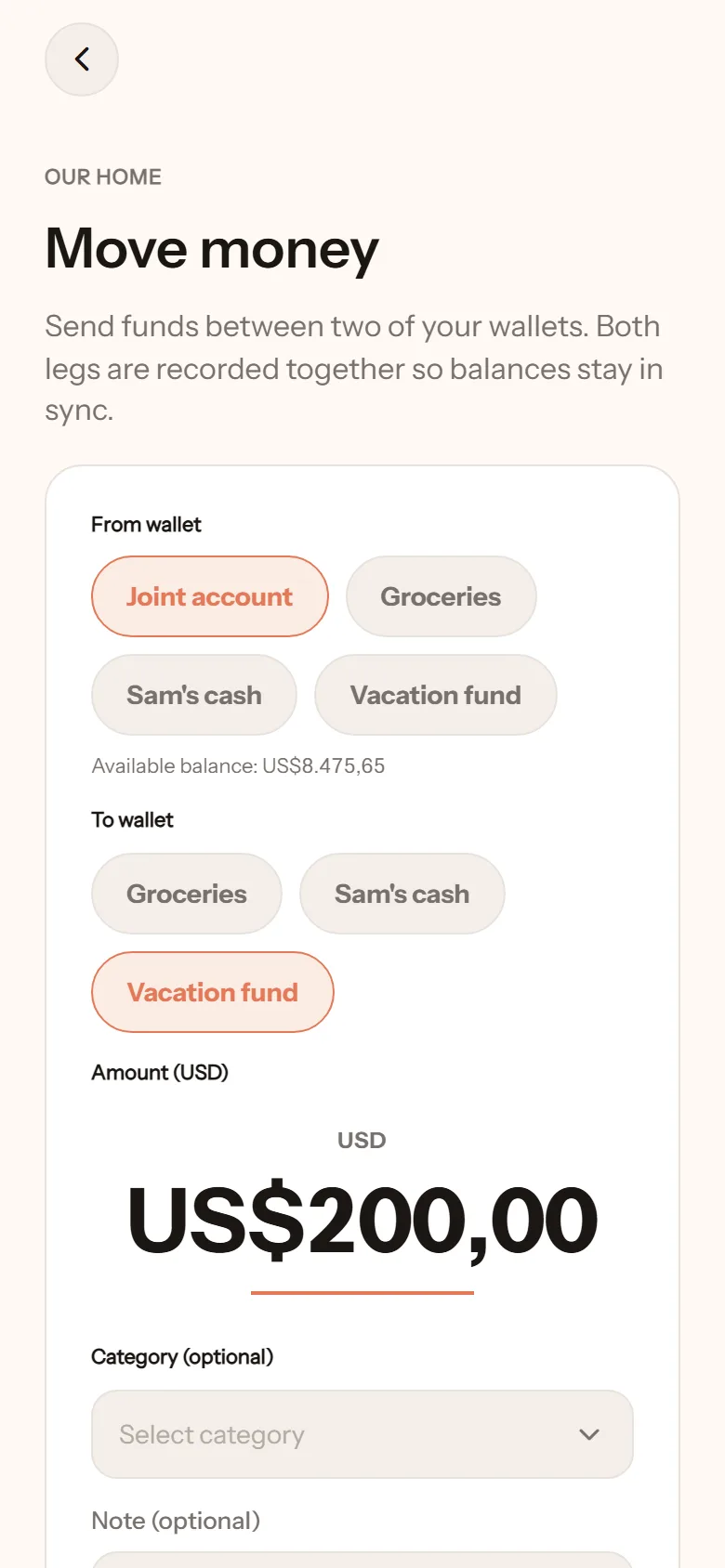
Withdrawing cash at an ATM, sending housekeeping money to the joint account, topping up e-money: these are all transfers, not expenses. The money does not disappear, it just changes wallets. NotoArta records both sides at once so both balances stay right.
- Tap +, choose Transfer.
- Pick the wallets under From wallet and To wallet.
- Type the amount. It cannot exceed the source wallet’s balance.
- Add a note if you like, such as October housekeeping.
- Tap Save transfer.
From private to shared, or the other way
Section titled “From private to shared, or the other way”When money moves between a private wallet and a shared one, NotoArta asks What is this for? Pick a category, such as Housekeeping. That category is what shows in your partner’s Insights. Your private wallet itself stays private.
Limits
Section titled “Limits”- Both wallets must use the same currency. Cross-currency transfers are not supported yet.
- The destination must be a wallet that accepts deposits. Your partner’s private wallet, for instance, does not appear as a destination.
How do transfers count in Insights?
Section titled “How do transfers count in Insights?”Not as spending. In the per-wallet breakdown, transfers appear as moved out of this wallet or moved in from another wallet, separate from what was actually spent.