
Accepting an invite
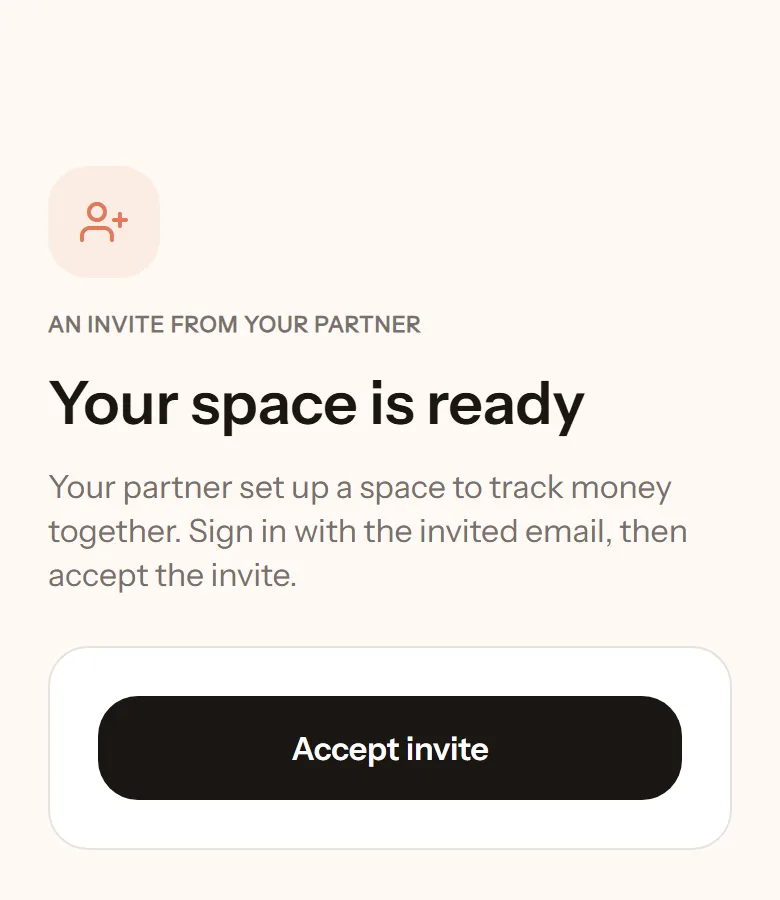
Your partner has set up a space for your shared money notes and invited you in. You do not need to set anything up. Just sign in and accept.
- Open the invite link they sent.
- If you are not signed in, tap Go to sign in. Sign in with the email that was invited. The sign-in code goes to that email.
- You are brought back to the invite page. Tap Accept invite.
- Done. You are in the same space as your partner, looking at the same picture.
If the email is different
Section titled “If the email is different”An invite can only be accepted with the invited email. If you already signed in with another email, tap Sign in with another email on the invite page.
If the link has expired
Section titled “If the link has expired”Ask your partner to tap Re-invite in their app. A new link is sent right away.
What can they see of my notes?
Section titled “What can they see of my notes?”Whatever you write in shared wallets. A wallet you make private is visible only to you. Amounts also never appear in lock-screen notifications, only “you logged a new transaction”. More in Wallets and Privacy.