
Bills and subscriptions
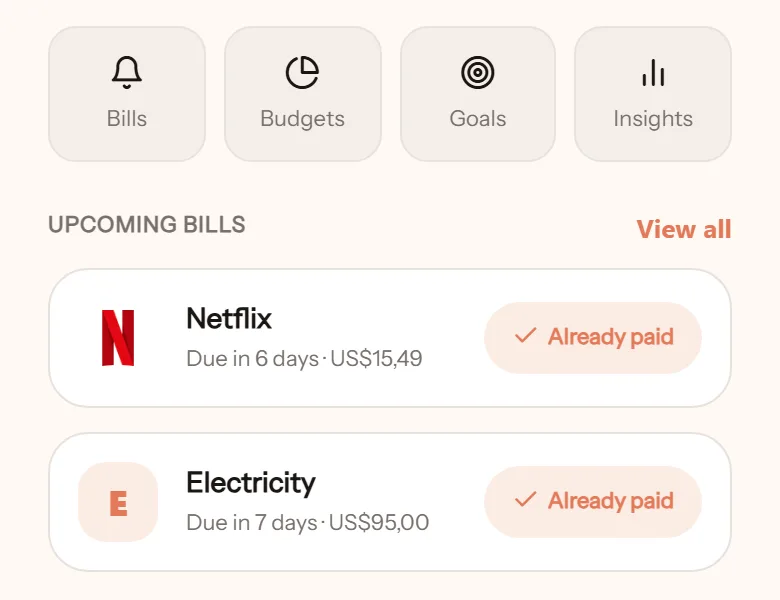
Regular bills are easy to forget, and the forgotten ones usually start arguments. Enter them once and get reminded each time one is about to be due.
Add a bill
Section titled “Add a bill”- Open Bills from the home screen, tap Add bill.
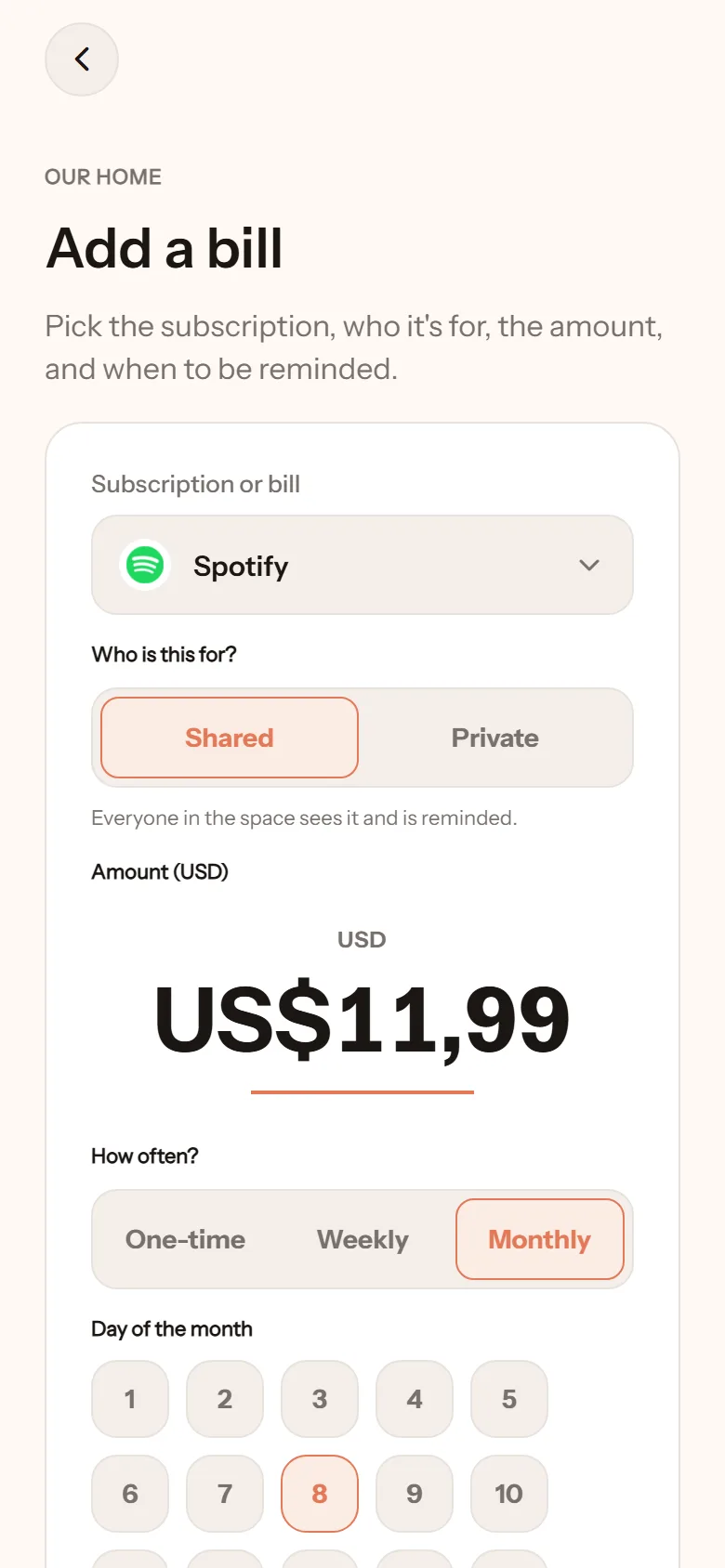
- Pick the name from the list (Netflix, electricity, health insurance, and more) or type your own.
- Choose who it is for: shared (all members get reminded) or private (only you).
- Enter the amount.
- Choose how often: once, weekly, or monthly.
- Set the date. For monthly, pick a day of the month. If the month is shorter, the last day is used.
- Choose when to be reminded: on the day, or a few days before.
- Tap Save bill.
Marking as paid
Section titled “Marking as paid”Tap the bill and mark it Paid. For recurring bills, the status goes back to unpaid in the next period.
Editing or deleting
Section titled “Editing or deleting”Tap the bill, then Edit bill or Delete bill. Deleting stops the reminders.