
Categories
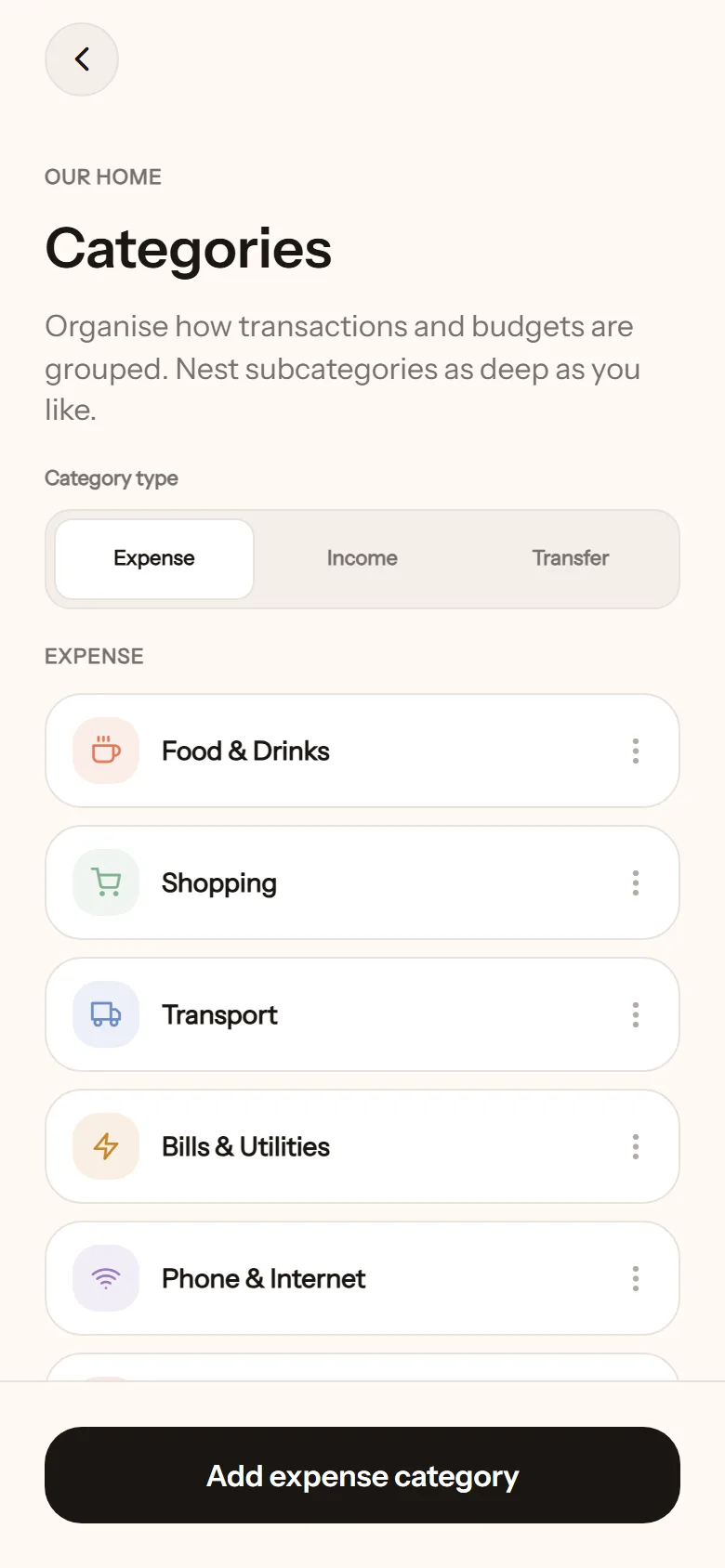
Categories group your transactions and are the basis for budgets. NotoArta comes with common categories from the start, such as Food & Drinks, Bills & Utilities, Salary, Bonus, and Donations & Charity. You are free to add, rename, or delete.
The starting set follows the app language of whoever created the space. A space created in Bahasa Indonesia starts with Indonesian names instead, including a few local ones such as Bonus & THR (THR is the yearly holiday bonus) and Donasi & Zakat.
Managing categories
Section titled “Managing categories”Open Settings, then Manage categories.
- There are three kinds: Expense, Income, Transfer.
- Tap Add expense category (or the income or transfer one), give it a name, pick an icon or an emoji, and a colour.
- Create a subcategory by tapping Add subcategory on the parent. As deep as you like, for example Transport then Fuel then Motorbike.
- Reorder with Move up and Move down.
Deleting
Section titled “Deleting”A category still used by transactions or budgets cannot be deleted. Move the transactions first. A category with subcategories has to be emptied first too.
- Do not start with too many. Ten categories you actually use beat thirty that make you hesitate when logging.
- Categories belong to one space. If you have more than one space, each has its own set.