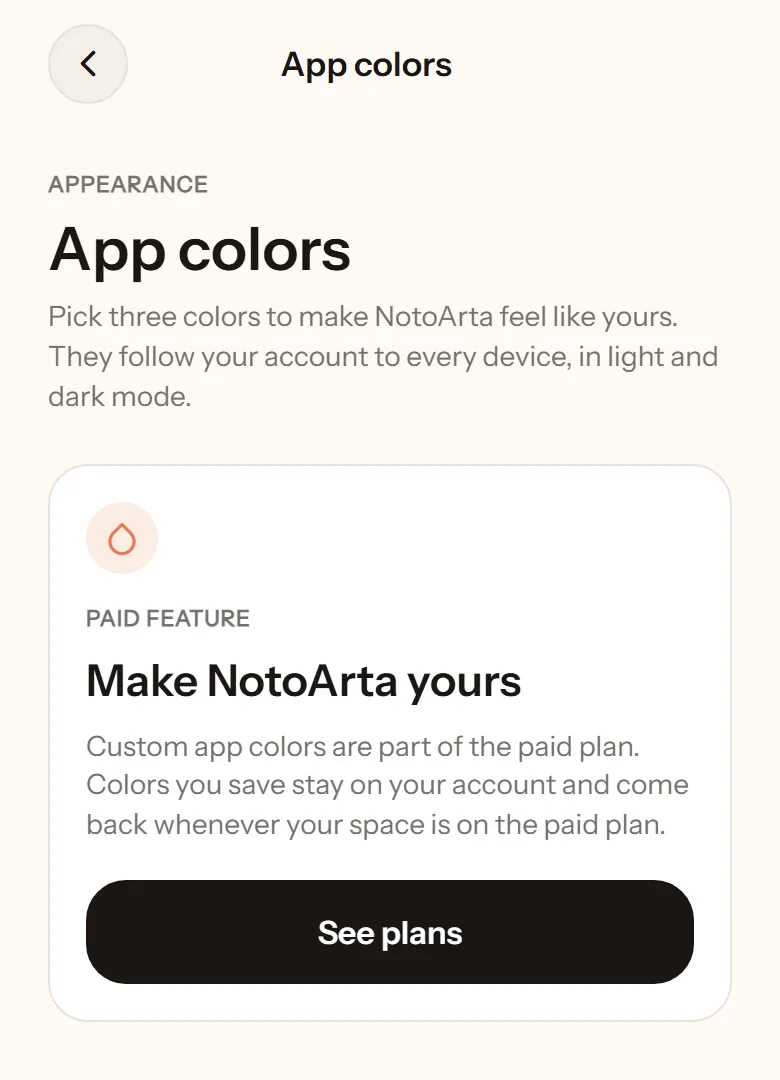
App colours
Light or dark
Section titled “Light or dark”Open Settings, the Appearance section. Choose System (follows your phone), Light, or Dark.
Your own colours
Section titled “Your own colours”On the paid plan, you can change three colours so NotoArta feels like yours:
- Main colour: the balance card, highlights, active selections.
- Button colour: primary buttons such as Save and Record transaction.
- Background tint: a soft wash across the whole background.
There are ready-made themes: Clay, Ocean, Forest, Plum, Honey, Rose, Slate. Or set your own with the colour picker. Your colours follow your account on every device, in light and dark mode.
Income green and expense red do not change, so money always reads the same.