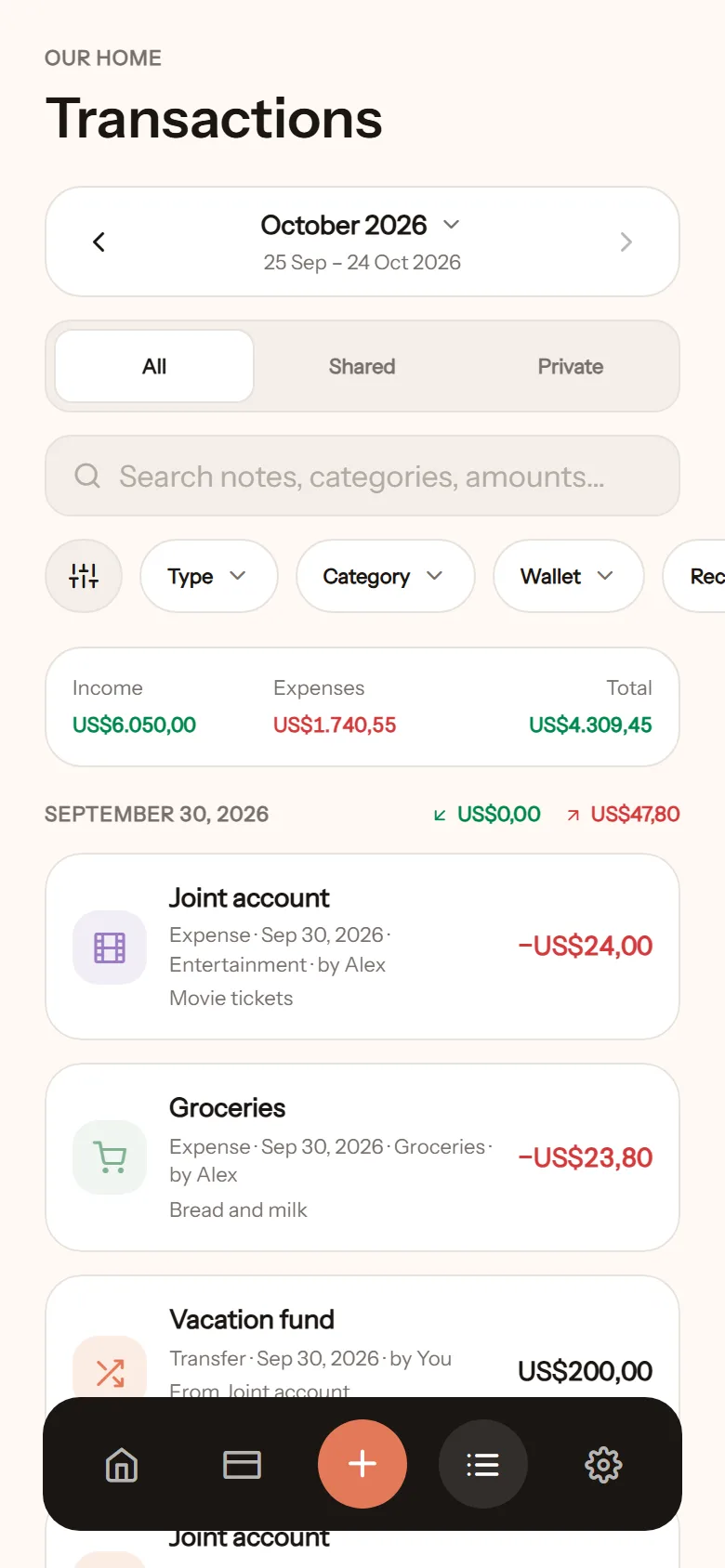
Log a transaction
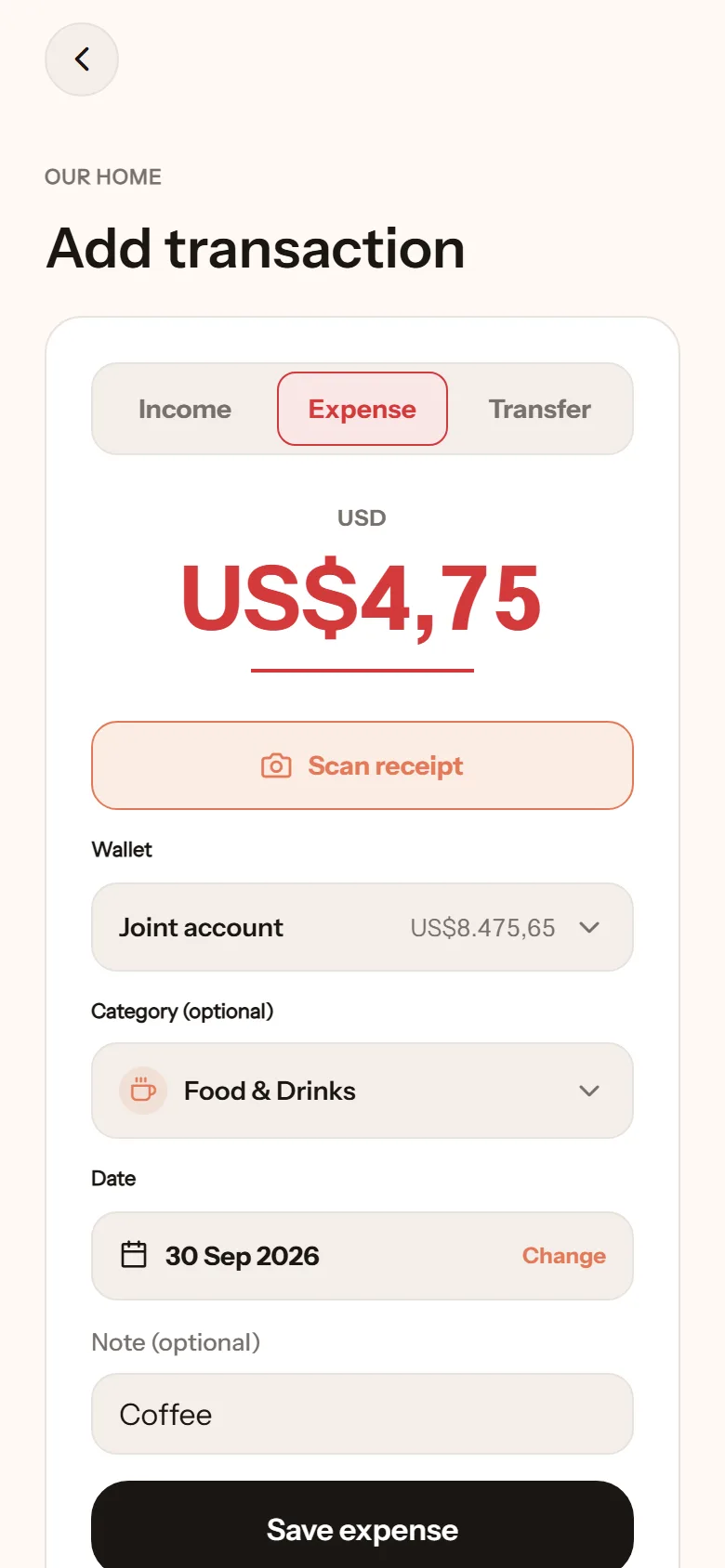
This is what you do most often, so it is built to be as fast as possible. The target: one entry in under 15 seconds.
- Tap the + button at the bottom centre.
- Pick the type: Expense, Income, or Transfer.
- Pick a wallet.
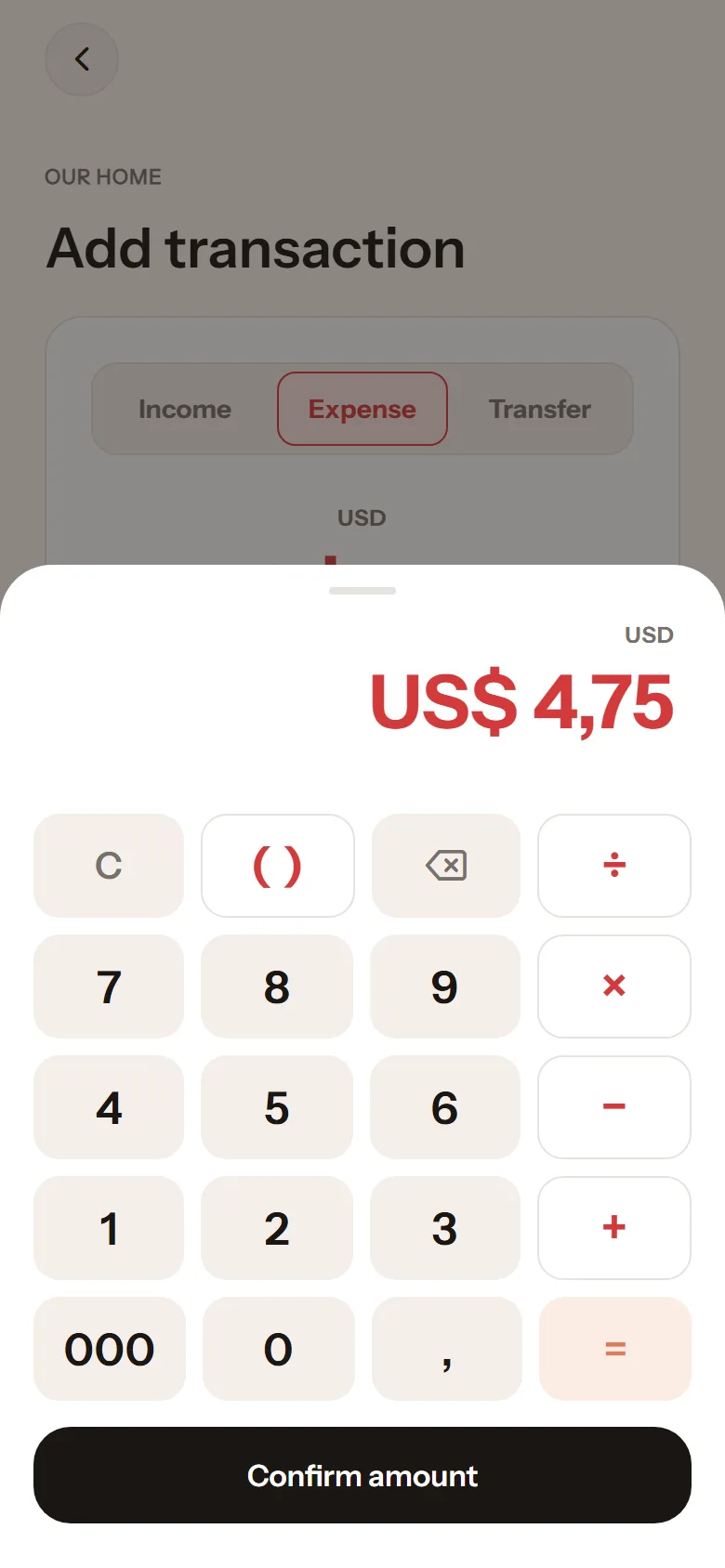
- Type the amount on the keypad. There is a 000 key for round numbers, and a decimal key if you need cents.
- Pick a category (optional).
- Write a note if you want. Keep it short, like coffee or petrol.
- Tap Save expense. To log another right away, tap Save & add another.
The date defaults to today. To log something from yesterday, change the date first.
What your partner sees
Section titled “What your partner sees”A transaction in a shared wallet shows up on their home screen right away, marked by {your name}. Their phone gets the notification “{Name} logged a new transaction”, without an amount. The amount appears once they open the app.
Transactions in a private wallet are visible only to you.
Editing or deleting
Section titled “Editing or deleting”Tap the transaction in the list, then Edit or Delete. The wallet balance is recalculated immediately.
Finding old transactions
Section titled “Finding old transactions”In the Transactions tab:
- Search box: type a note, a category name, or an amount.
- Filter All / Private / Shared.
- Filter by category, wallet, or Recorded by whom.
- Left and right arrows move between periods. To see everything, tap Show all time.
At the top of the list you get the income and spending totals for what is currently shown.